Notes - Advanced
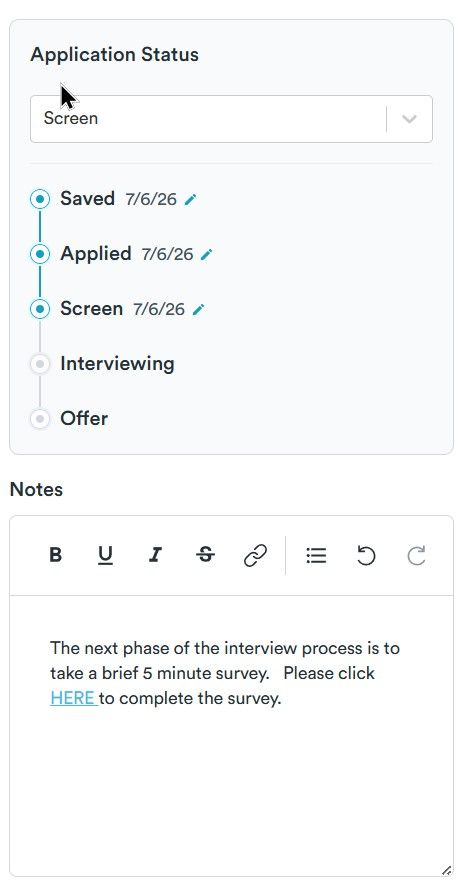
Add a date separator each time the note field is updated. Currently any new text is added to the BOTTOM of the field. users need to select the field and scroll to the bottom to see the last update or update.
This is counterintuitive, since over time a user will ADD multiple updates to the job tracker as they go through the screening and multiple interview process. Any UPDATES should always be at the TOP of the list sorted by latest update DATE. This reduces a click and scroll and always displays the latest update.
Example: (%DATE% - %NOTE% %<br>%)
7/18 - interview scheduled for Wednesday
7/11 - phone screen went well, Hiring manager will review in a week. Mention project A in interview
7/9 - phone screen scheduled for Monday
7/5 - completed survey form, waiting for follow up
7/1 - applied
Log in to comment and vote
No comments yet
Be the first to share your thoughts.